Security camera systems
Keep an eye on
what matters.
A clear view of your business, on site or away. We install cameras, set up recording and remote viewing, and help keep existing systems working.
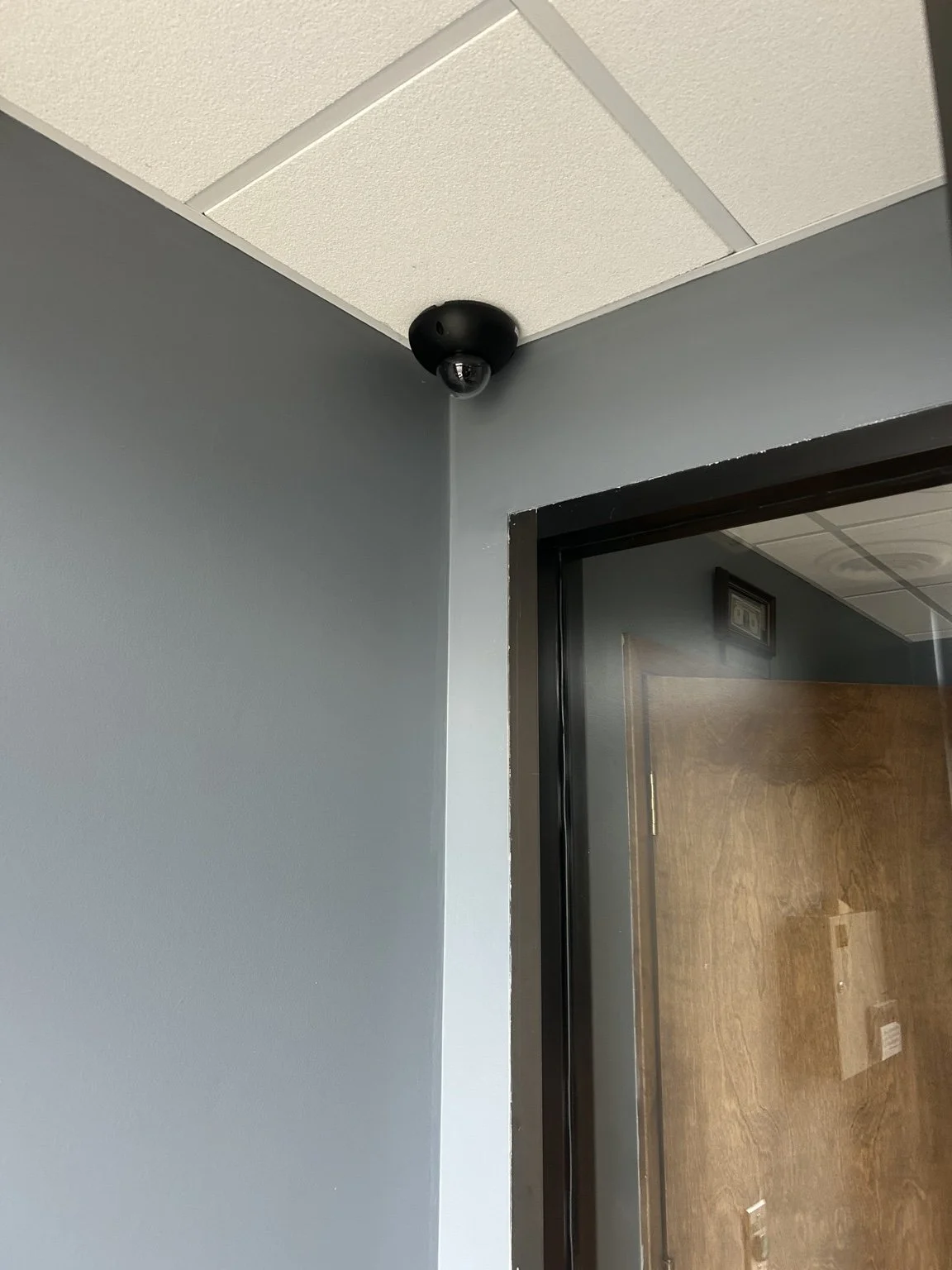
Coverage that fits the space
A clearer view.
A considered setup.
From entrances and work areas to exterior coverage, the right plan starts with what you need to see and how you’ll use the system.
01 / CAMERA INSTALLATION
See the right areas.
Camera locations and installation planned around your property.
- Indoor & outdoor cameras
- Equipment mounting & cable routing
- Camera positioning & view checks
02 / RECORDING & ACCESS
Put the view to use.
Recording and viewing configured for the way you work.
- Network video recorder setup
- Remote viewing on supported devices
- Playback & system walk-through
03 / UPGRADES & SUPPORT
Keep it working.
Help with an existing system or a change in your coverage needs.
- Camera additions & replacements
- Connection & recording issues
- System troubleshooting
What matters in the details
The right view.
A usable system.
Camera count is only one part of the plan. Placement, lighting, recording, access, and the network all affect how the system works day to day.
Coverage and placement
Tell us what you need to see: entrances, work areas, parking, or other priority locations. We review mounting options, obstructions, and the view each camera needs to provide.
Lighting and conditions
Indoor and outdoor locations can present different challenges. We consider the environment and discuss camera options around the conditions at the site.
Recording and playback
We discuss how you will find and review footage, along with the desired recording history. Recording time depends on equipment, storage, camera count, and settings.
Network and access
Camera connections, recorder access, and remote viewing belong in the scope. We review the existing network and who should be able to use the system, then walk through the supported viewing controls.
From the first view to daily use
A plan for the install.
Support after it.
We work through the placement, connections, and everyday controls so the system makes sense for your space.
01
Review the coverage.
Talk through priority areas, lighting, cable access, recording needs, and who will use the system.
02
Install & configure.
Mount the cameras, route the cabling, set up recording, and check the views together.
03
Show you the system.
Walk through live viewing and playback, set up supported remote access, and explain how to get help.
Common questions
Plan your coverage.
How many cameras will we need?
We plan around the areas you want to see, not just a camera count. Entrances, registers, parking, storage, lighting, and mounting options all matter. A floor plan or a few photos help us start that conversation.
Can I check the cameras when I’m away?
Yes, with a compatible system and a working internet connection. We can set up supported remote viewing and show you how to check live video, look up recordings, and manage the everyday viewing features.
Can you use my existing cameras or install ones I bought?
Yes, when the equipment is suitable for the project. Send the camera and recorder model numbers or photos of their labels. We’ll review compatibility, power, cabling, and mounting needs before planning the work.
How long can I keep recordings?
The amount of history depends on storage, camera count, and recording settings. Tell us how many days you would like to review. We’ll discuss that goal while choosing the equipment and recording setup.
Can you fix a camera system another company installed?
Yes. We can troubleshoot missing video, recording problems, remote viewing, and connection issues. Let us know which cameras are affected and whether the problem started after an equipment, internet, or password change.
Iowa · Missouri · Minnesota · Wisconsin
Let’s take a look
at your space.
New installation, an upgrade, or a system that needs attention. Tell us what you have in mind.