Networks & Wi-Fi
Coverage where
the work happens.
Connect your people, devices, and buildings with a network planned around how your business operates. We install, configure, and troubleshoot the equipment behind the connection.
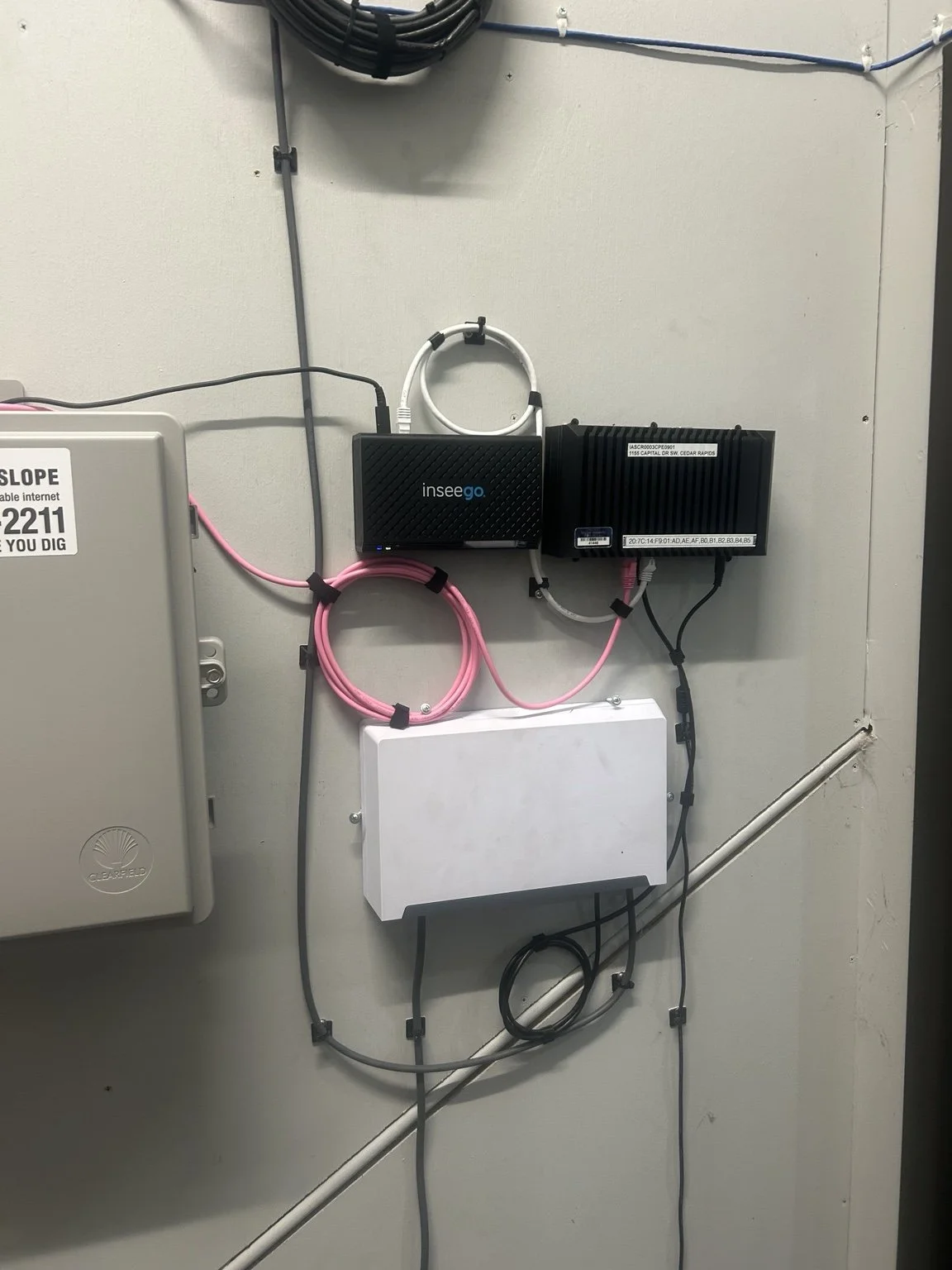
What we do
One network.
Many moving parts.
Slow connections, dead zones, and disconnected devices can have different causes. We look at the equipment, cabling, coverage, and configuration together.
01 / WI-FI & COVERAGE
Reach the working areas.
Plan wireless coverage for the rooms, workspaces, and devices you use.
- Business access point installation
- Placement & coverage review
- Staff, guest & device networks
- Wi-Fi troubleshooting & upgrades
02 / WIRED NETWORKS
Connect the core.
Bring network equipment and wired devices into an organized setup.
- Switch and firewall installation
- VLANs & network segmentation
- Equipment configuration & replacement
- Network connection troubleshooting
03 / REMOTE & OUTDOOR LINKS
Connect beyond one room.
Review options for remote users or separate buildings.
- VPN & remote access setup
- Building-to-building wireless links
- Outdoor access point installation
- Site and line-of-sight review
What matters in the details
Start with the cause.
Then choose the fix.
An additional access point is not always the answer. We work through the connection from the internet service to the device.
Coverage and capacity
Building materials, device locations, and the way the space is used all affect the wireless plan. We discuss where coverage matters most.
Separate uses
Guest access, business devices, cameras, and other equipment may need different network access. We review the rules and configure the agreed setup.
The wired connection
An access point still depends on its uplink and power. We check whether cabling, switch ports, or equipment are part of the issue.
Access and handoff
We discuss who needs administrative access and how the system will be supported. Configuration details should stay with the people responsible for the network.
What to expect
A clear scope.
A practical process.
From the first conversation to the finished work, we keep the project focused on what your site needs.
01
Review the network.
Tell us what is connected, where problems occur, and what has changed. A site review helps fill in the gaps.
02
Install & configure.
Set up the agreed equipment, wireless networks, and access rules, coordinating any interruption with the site.
03
Check the experience.
Test representative devices and locations, review access, and explain how to get help with the system.
Common questions
A better connection starts here.
Our Wi-Fi is unreliable. Do we need to replace everything?
Not necessarily. We start with where the problem happens, which devices are affected, and the equipment already installed. That helps us work out whether the issue involves coverage, cabling, configuration, or another part of the connection.
Can customers have Wi-Fi without access to our business devices?
Yes, with equipment that supports the required separation. We can set up guest access and review the rules between your business, guest, and other networks so the setup fits how you use the space.
Can you get a connection out to another building?
We work with both cabling and building-to-building wireless links. The approach depends on the distance, the route or line of sight, mounting locations, power, and what you need to connect at the other end.
Can employees securely connect from home?
We can help set up supported VPN and remote-access connections for authorized users. We’ll review which business resources they need, the devices involved, and the access controls before making changes.
Can you work with our existing IT company or internet provider?
Yes. We can coordinate the on-site cabling and network work with your IT team or provider. Share the contact, equipment requirements, and any configuration responsibilities so everyone knows which part of the project they are handling.
Iowa · Missouri · Minnesota · Wisconsin
Let’s get your
network working.
Based in the Cedar Falls–Waterloo area. Tell us where you’re working, what you need, and your timeline. We’ll follow up to discuss the scope and next steps.